> people on a tropical island
41 moments found
17:42
00:00:0002:00:00

17:42
The scene you described, located inside a long video — without watching a minute of it.
Local video & photo search
Vision Search reads every frame of your videos and photos, so you can find any moment by describing what you saw — and land on the timecode, not the file.
Mac via the Mac App Store (macOS 14.6 or later). Windows via the Microsoft Store. See how it works
At a glance
The scene you described, located inside a long video — without watching a minute of it.
The problem
Your files aren't lost — they're unreachable. Filenames and folders were never able to describe what's actually inside a picture.
Which video was that in?
A two-hour recording shows you one thumbnail out of 180,000 frames. Everything else you can only find by watching.
It's called IMG_4471.JPG
Cameras name files with counters, and downloads inherit random strings. There's no text describing the picture to search against.
The camera didn't flag it
Motion alerts miss slow, distant and night-time events — but the footage is usually still there, unsearched.
I'll tag them later
Nobody ever does. Tagging a large library takes dozens of hours, and asks you to guess today what you'll search for in three years.
Capabilities
Type what you remember seeing — "a person in a red jacket", "a black handbag on the floor" — and get matching moments ranked by how well they fit.
Video results come back with timestamps, not just filenames. Click one to open the video at that precise moment. No scrubbing.
Some things resist description. Supply an example image instead and find visually similar frames across your entire library.
One query searches both at once and ranks them side by side, so you never have to remember whether you shot a still or a clip.
iPhone HEIC photos and RAW files from Canon, Nikon, Sony, Fujifilm and others are indexed and previewed alongside your JPEGs — no converting first.
Optional and off by default. Faces across your library are grouped on your machine; name a group and typing that name finds their photos and video moments.
All analysis runs locally. No upload, no cloud account, no third party holding your family video or your security footage.
Nothing to rename, tag or refile. Vision Search reads the pictures themselves, so your existing folder mess simply stops mattering.
How it works
Point it at a folder or pick files — MP4, MOV, AVI, MKV, WEBM and M4V, plus JPG, PNG, GIF, BMP, WEBP, iPhone HEIC and camera RAW.
Each file is analysed frame by frame. Near-identical frames are skipped, so results show distinct moments rather than twenty copies of the same scene.
Once indexed, searching your whole library returns in well under a second — however many hours of footage you have.
Screens


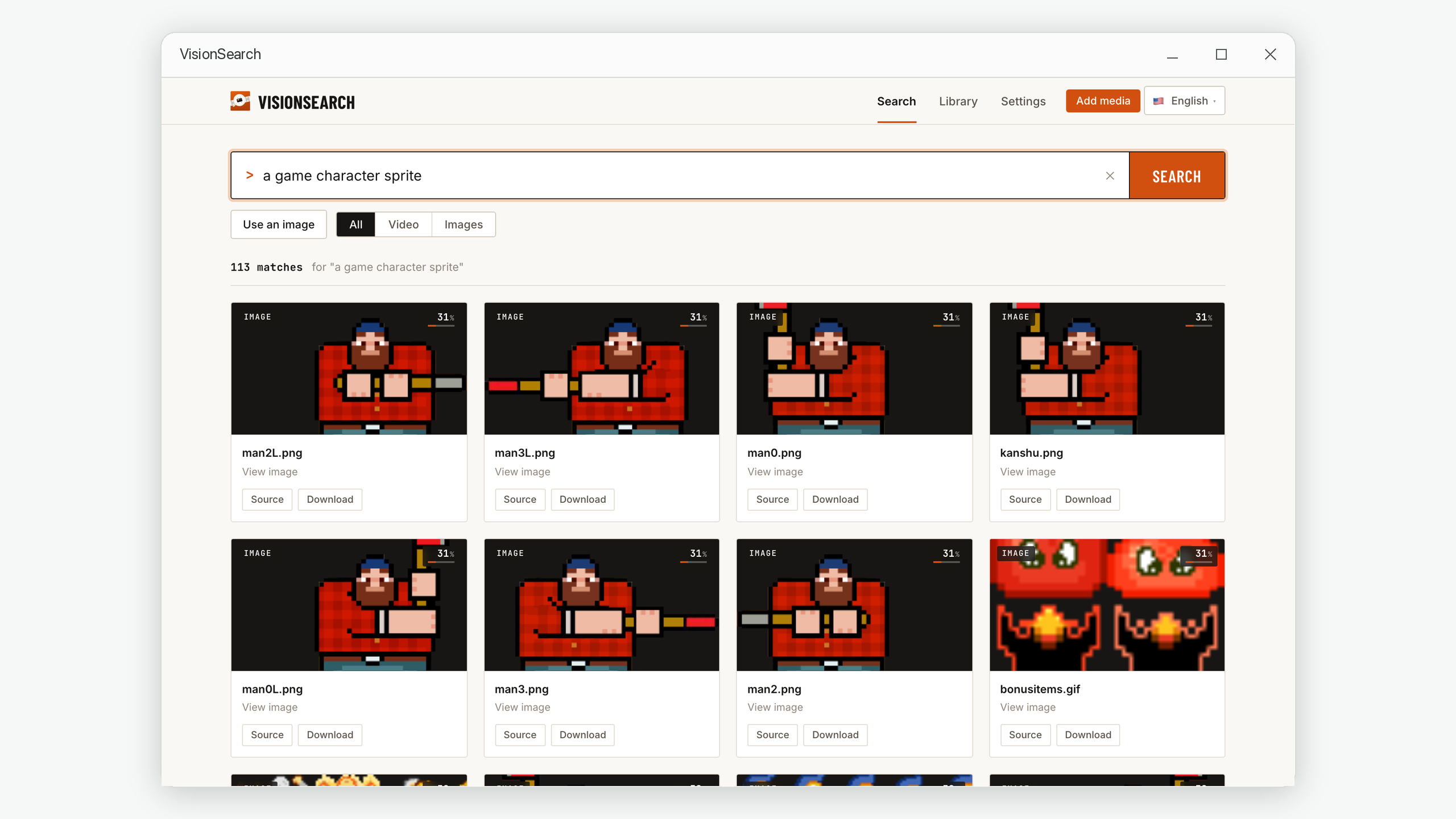
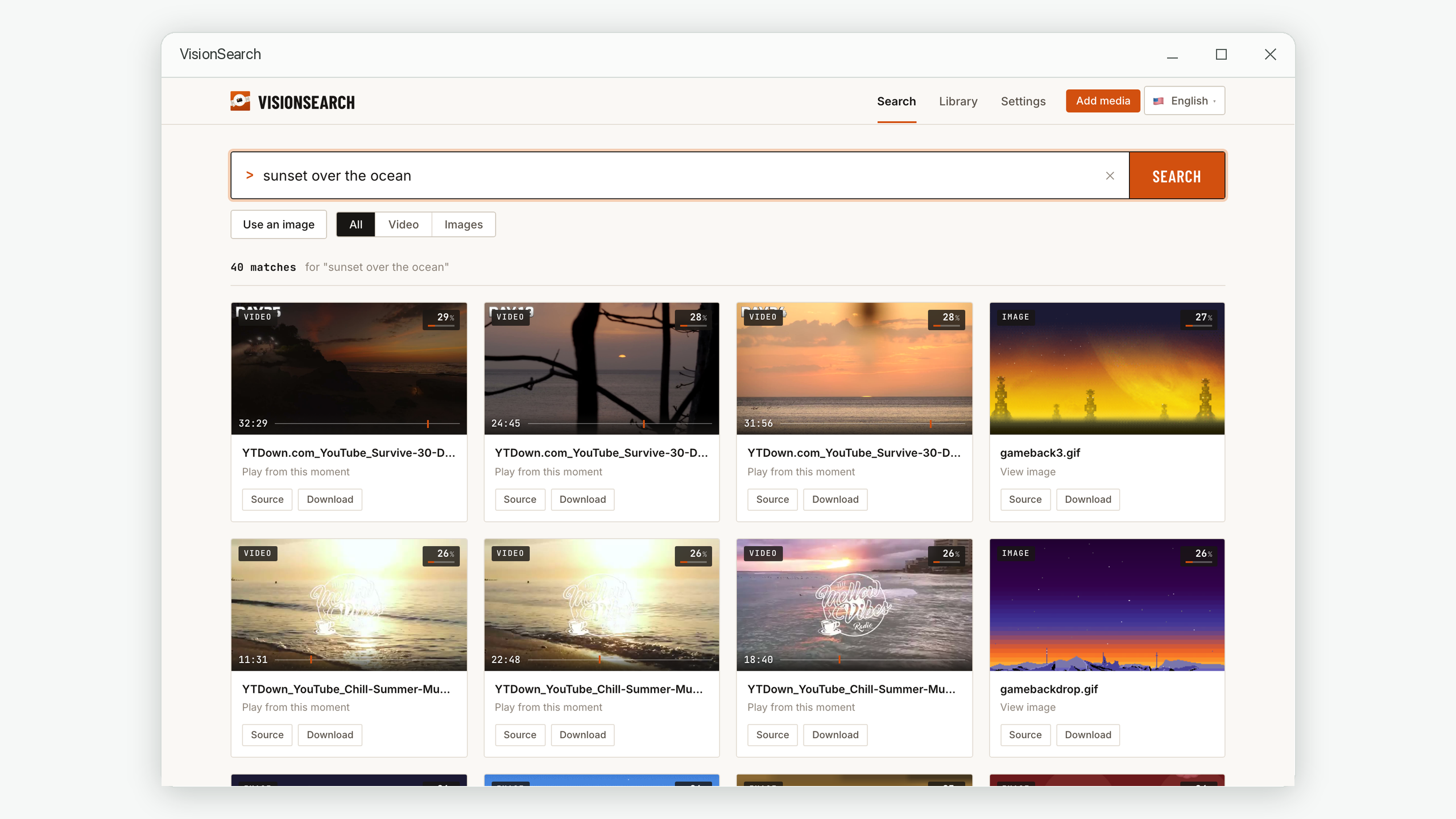
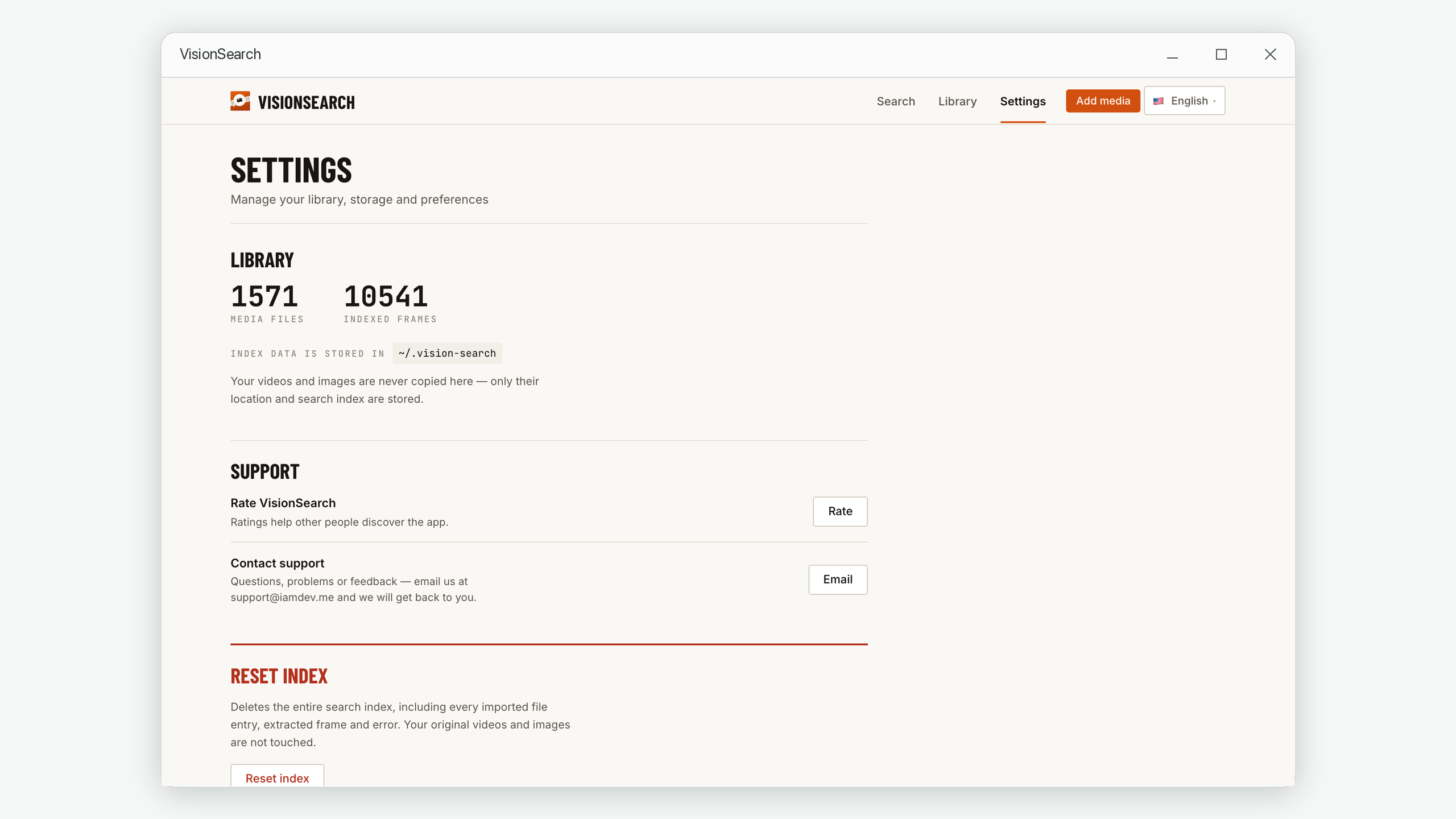
Privacy
Vision Search does all of its analysis locally on your Mac or PC. None of your files, frames or searches are ever uploaded, no account is required, and once installed it works with no internet connection at all.
That matters most for exactly the footage you'd most want to search: family video, home security recordings, medical or legal material, and client work.
Guides
Practical advice on searching video and photo libraries — useful whether or not you use our app.
Four methods, starting with a free binary-search trick that turns twenty minutes of dragging into under a minute.
Read → ExplainerIt isn't disorganisation — filenames and folders were never able to describe a picture. Here's what actually fixes it.
Read → WorkflowBracketing the time window, what motion detection misses, and query patterns that actually find the incident.
Read → ExplainerWhy "a white cat sleeping" finds an untagged photo, and why a 26% match is usually the right answer.
Read →No. All indexing and searching runs locally on your own computer. Your media files never leave your device, and no account is required to use the app.
Videos in MP4, MOV, AVI, MKV, WEBM and M4V. Images in JPG, JPEG, PNG, GIF, BMP and WEBP, plus iPhone HEIC/HEIF photos and camera RAW files — DNG, CR2, CR3, NEF, ARW, RAF, ORF, RW2 and more. RAW photos are read through their embedded preview where possible, so large libraries index at close to JPEG speed.
Only for the initial download and setup. After that, indexing and searching work completely offline.
macOS and Windows. The Mac version is distributed through the Mac App Store and needs macOS 14.6 or later, on Apple silicon or Intel. The Windows version is distributed through the Microsoft Store.
It depends on your hardware and the length of the video, and it runs in the background rather than blocking you. It's a one-time cost per file — once indexed, that file stays searchable permanently, and searches return in well under a second.
Yes. Image search lets you supply an example picture and find visually similar moments across your library. It's the better option when something is hard to describe in words — a particular pattern, style or shade of colour.
The score is a ranking signal, not a probability of being correct. A short phrase can never fully describe a detailed photograph, so even excellent matches typically land in the 20–35% range. Read the order of the results rather than the number.
On Windows, yes — as an optional People feature that is off until you turn it on. It groups the faces that appear across your own photos and videos, you give a group a name once, and typing that name into the search box brings up their photos. It all runs on your computer and never compares anyone against an outside database. The Mac version does not include face grouping yet. Ordinary search is separate and matches what is visible — clothing, objects, vehicles, settings, actions.
The underlying models learned from image captions that were overwhelmingly English, so English descriptions map most accurately onto what they know. Other languages often work, but with less precision.
Get started
Turn your videos and photos into something you can actually search — privately, on your own machine.
macOS 14.6 or later · Windows 10 and 11